Last Saturday I spoke at WordCamp Europe 2026 in Kraków about a topic that’s been on my mind for a while: the WordPress search endpoint as a DDoS attack vector.
The talk was called “The Hidden DDoS Threat in WordPress: Abusing the Search Endpoint“ and the response was incredible (thank you very much!!). However, some feedback came after the talk, and it pushed me to build something better.
You can see the session here: https://europe.wordcamp.org/2026/session/the-hidden-ddos-threat-in-wordpress-abusing-the-search-endpoint/
What the talk covered
The core idea is simple. Every WordPress site has a search endpoint (/?s=). Unlike your regular pages, search queries bypass CDN and cache entirely. Every single search request hits your database directly with a LIKE ‘%query%’ full table scan.
An attacker doesn’t need a botnet. Just flood /?s= with random strings and your database is on its knees.
During the talk, I showed a live benchmark comparing DDoS attacks on cached pages versus the search endpoint. Same number of requests. Completely different results. The cached pages didn’t even make the server sweat. The search endpoint brought it down.

The solution approach and the feedback
In the talk, I proposed using wp_create_nonce() as a first line of defense. The idea was straightforward: generate a nonce on page load, require it for search requests, and block anything without it. Bots don’t load pages, so they never get the nonce.
The point I was making is that WordPress has had tools to mitigate this since 2006. We just don’t use them, however some people raised a valid point:
I can JUST USE the nonce and use it in my DDoS LIKE IN THE BROWSER!
random hacker saying correct things
They’re right. And I appreciate that feedback. The nonce approach raises the bar and stops the simplest and automated attacks. But it’s not bulletproof. A determined attacker can work around it. So let me prepare something and bring a solution that will meet the expectations. I was so frustrated with myself that I basically started to think about a solution in Krakow yet.
Introducing WP Search Shield
WP Search Shield is a WordPress plugin that protects your search endpoint with two layers of defense that work together.
Layer 1: Single-use tokens
Instead of a WordPress nonce that lasts hours, WP Search Shield generates a unique token on every page load. This token can only be used once. The moment it’s used for a search request, it’s deleted from the database and a new one is issued.
This means:
- An attacker extracts the token from your HTML? It works once. That’s it.
- They want to search again? They need to load the full page again to get a new token.
- At that point, they’re just a regular user. DDoS over.
// Token is generated on page load
$token = wp_generate_password( 40, false, false );
set_transient( 'wpss_token_' . hash( 'sha256', $token ), [
    'created' => time(),
], 300 ); // 5 min TTL

// On search: validate and destroy
$data = get_transient( $key );
if ( $data ) {
    delete_transient( $key ); // Gone. Can't reuse.
    // Execute search...
}
Layer 2: IP rate limiting
Even if someone finds a way to rotate tokens quickly, they’re still limited to a configurable number of searches per time window. Default is 10 searches per 60 seconds per IP.
After that? 429 Too Many Requests.
// Track per IP using transients
$rate_data = get_transient( 'wpss_rate_' . $ip_hash );
if ( $rate_data['count'] >= $limit ) {
    // Blocked. Come back later.
    status_header( 429 );
}
How they work together
| Attack | Without plugin | With plugin |
|---|---|---|
Bot hits /?s=random directly | Hits database | 403 — No token |
| Bot extracts token, sends 1000 requests | All hit database | First works, rest get 403 |
| Bot refreshes token each time | All hit database | Rate limited after 10 |
| Real user searches normally | Works | Works seamlessly |
The plugin handles everything automatically. It injects tokens into search forms, patches fetch() and XMLHttpRequest for REST API calls, and rotates tokens after each search. Zero configuration needed.
It works with your existing stack
WP Search Shield is built on WordPress transients. If you’re running Redis or Memcached (which you should be), token validation and rate limiting happen in memory. No extra database queries. No external services.
It protects both traditional search (/?s=) and REST API search (/wp-json/wp/v2/search).
Try it yourself
The plugin is open source and available on GitHub:
check it here: github.com/samuelsilvapt/wp-search-shield
Install it, activate it, done. It works out of the box with sensible defaults.
If you want to customize it, everything is configurable via filters:
// Allow 20 searches per 2 minutes
add_filter( 'wpss_rate_limit', function() { return 20; } );
add_filter( 'wpss_rate_window', function() { return 120; } );

// Shorter token TTL
add_filter( 'wpss_token_ttl', function() { return 180; } );
You can also hook into blocked requests for monitoring:
add_action( 'wpss_search_blocked', function( $reason, $ip ) {
    error_log( "Search blocked: {$reason} from {$ip}" );
}, 10, 2 );
The bigger picture
This plugin isn’t a replacement for a CDN or a WAF. It’s a targeted fix for a specific problem that those tools can’t solve.
Your CDN caches static content beautifully. Your object cache speeds up repeated queries. But search queries are unique by nature. They can’t be cached. And that’s exactly what attackers exploit.
WP Search Shield closes that gap.
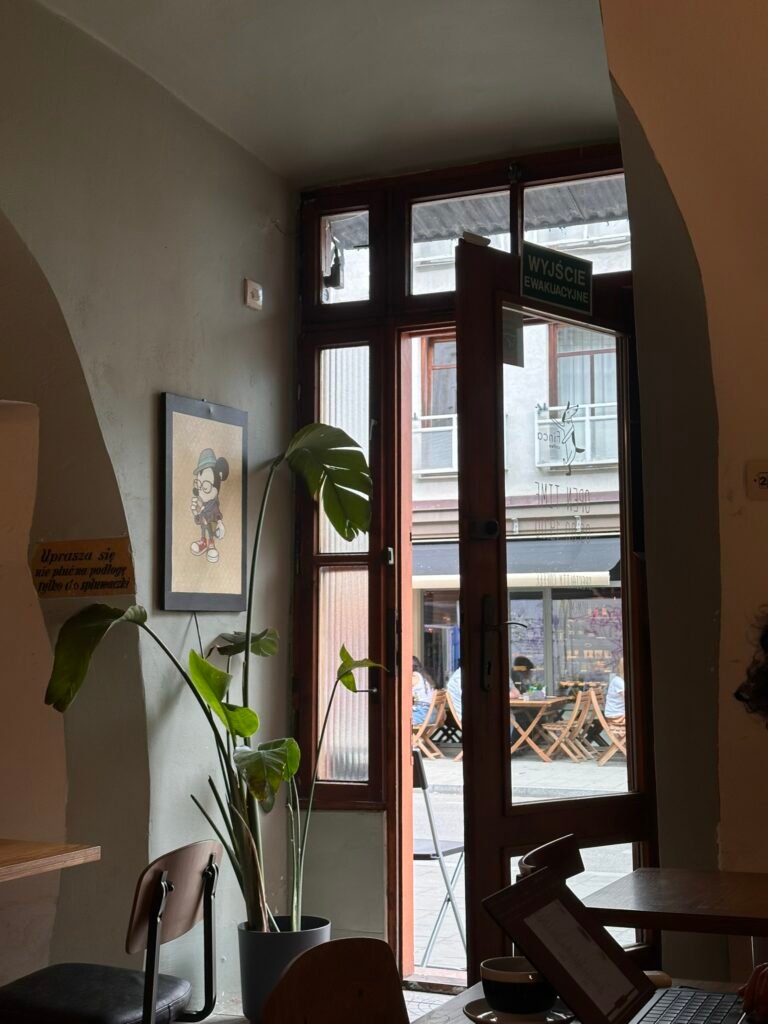
Thank you, WCEU
To everyone who came to the talk, asked questions, and challenged the nonce approach: thank you. You made this better. But I want to say something beyond the technical stuff.
I reconnected with old friends I hadn’t seen in years. I made new ones over coffee, over beers, over late-night conversations about everything but WordPress. I created memories that I know I’ll carry for a long time.
There’s something special about this community. It’s not just about work, code or plugins or themes. It’s about people who genuinely care about each other and push each other to grow. I felt that in every conversation, every handshake, every “great talk” from someone in the hallway.

And kraków, you were unforgettable.
Want a second pair of eyes on your site?
I review WordPress and WooCommerce sites for performance, search quality and the small architectural decisions that quietly cost you speed. If you would like to know where yours can improve, let’s talk.
Leave a Reply